
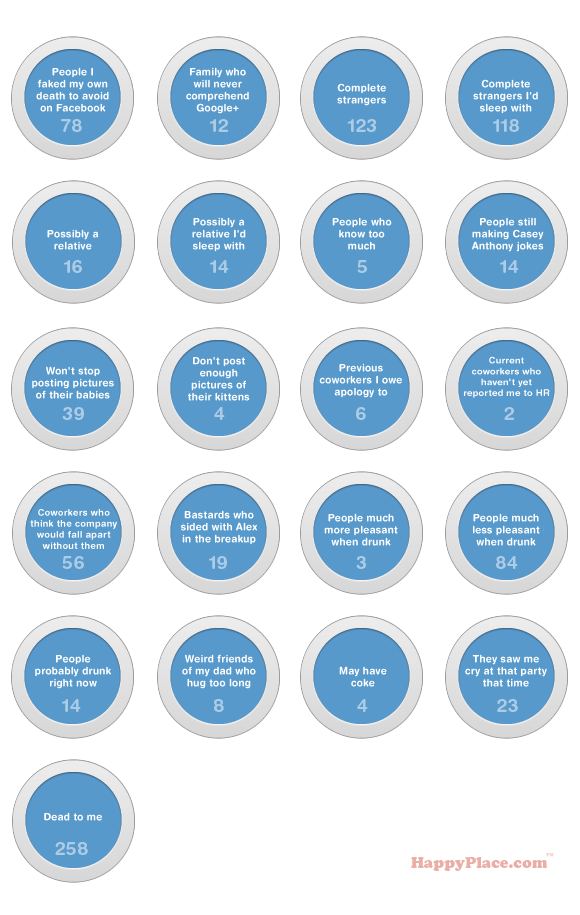
The 21 Google Circles you’ll actually use from HappyPlace.
Say What Now of the Day: Fox News host/commentator Eric Bolling can’t remember a single terrorist attack that occurred on American soil during George Bush’s presidency, says “America was certainly safe between 2000 and 2008.”
Bolling reacted to criticism of his questionable comment on today’s The Five, saying he “misspoke,” and calling out the “radical liberal left” for “pounc[ing] on us and me.”
[thingprogress / mediaite.]
It occurred to me a few days ago that while Tumblr’s new iPhone app looks great and works much better than the previous version, there doesn’t seem to be away to grab the link to a post from the dashboard if I were to share said post. Now how the hell am I supposed to link to a post without having to jump to the browser and grabbing the link from there?
Previously I could tap and hold on the blog title and it would offer a link to the post that can be copied but now that link has turned into a mess like this one: tumblr:///blog?name=laughingsquid&url=http%3A%2F%2Flinks.laughingsquid.com%2F&post_url=http%3A%2F%2Flinks.laughingsquid.com%2Fpost%2F7392596316%2Fwhat-skymall-looks-like-to-dogs
Sure, I can follow that link, wait for the page to load, look for the link to the post and copy it but that takes a while and another page load. I don’t understand the reasoning behind this new behavior.
the question now isn’t whether social media can start a revolution, but whether dictators believe it can.

badass.
Reshared this from G+, anyone know where it came from originally? I found this but he got it from Skype
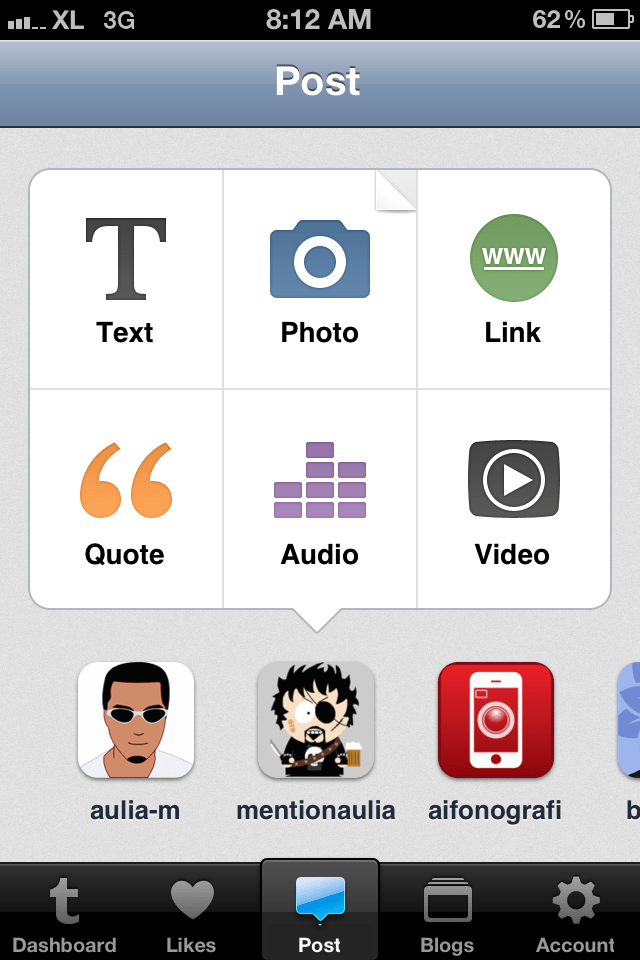
Today Tumblr rolled out a completely rewritten iPhone app. Gone is the two panel interface replaced by a tabbed interface that’s becoming more and more common on recent iOS apps and at a glance would remind you of Instagram. The center tab is the primary activity tab for posting content with options to choose which Tumblr account to post it from.
The new app introduces post settings on the composition screen, accessible by swiping the screen to the right. While on the post settings page, swiping to the left takes you back to the composition page.
Due to the way iOS apps are traditionally designed, it’s very tempting to tap on the top left button on the screen where the back/return button is usually located, to go back to composing a post. You don’t want to do this as that position is used by a cancel button that thankfully prompts you with an option to save or clear the post instead of abandoning it outright.
On the settings page, Tumblr finally adds a custom tweet option so now tweets don’t need to come out looking like a mess.
Now that there’s a tab for Likes, you can look at all the posts that you’ve marked on Tumblr directly in the app without having to go to the website on a desktop, notebook, or tablet computer.
Tumblr now allows account creation right on the app as well as reading and replying to messages, recognizing the fact that having to go to the website to do all this is becoming tedious and that for a lot of people, the mobile device is the primary interface to the Internet.
Overall, the app is now much more comprehensive, more usable, and more practical with an interface that makes it easier for you to post more frequently to all the multiple Tumblr blogs that you may have.



 AuliaSays